BrightBoi
A free macOS menu bar app that unlocks the extra brightness of the MacBook Pro's Liquid Retina XDR display, up to 200%.
- Status
- Active
- Version
- 1.2.0
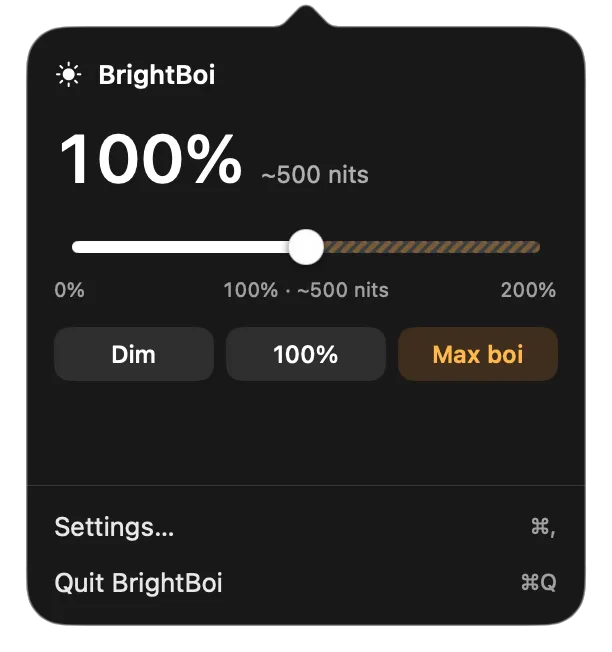
MacBook Pros with a Liquid Retina XDR (mini-LED) display can sustain about 1000 nits full-screen, but macOS stops at the 500-nit SDR level. Commercial utilities unlock that range behind paid licences or subscriptions; BrightBoi gives the whole 0–200% range for free, in a native Swift menu bar app. It is open source under the MIT licence.
Download the latest release (version 1.2.0, released 30 September 2026). It needs an Apple silicon Mac running macOS 14 or later; Boost above 100% needs a MacBook Pro with a Liquid Retina XDR display.
How it works
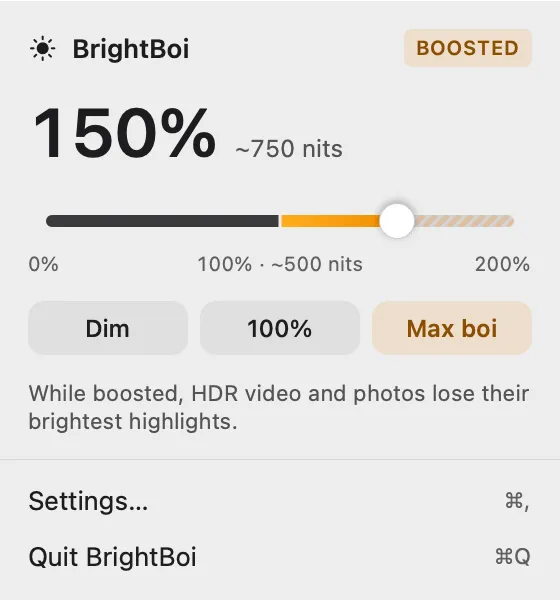
- One slider from 0 to 200%. 100% means what Control Center’s 100% means, about 500 nits. Above it, Boost places a full-screen, click-through Metal overlay that uses the display’s Extended Dynamic Range headroom to scale desktop luminance up to 2×, about 1000 nits. Boost uses public APIs and is invisible to screenshots and screen sharing; the 0–100% range uses the private DisplayServices framework.
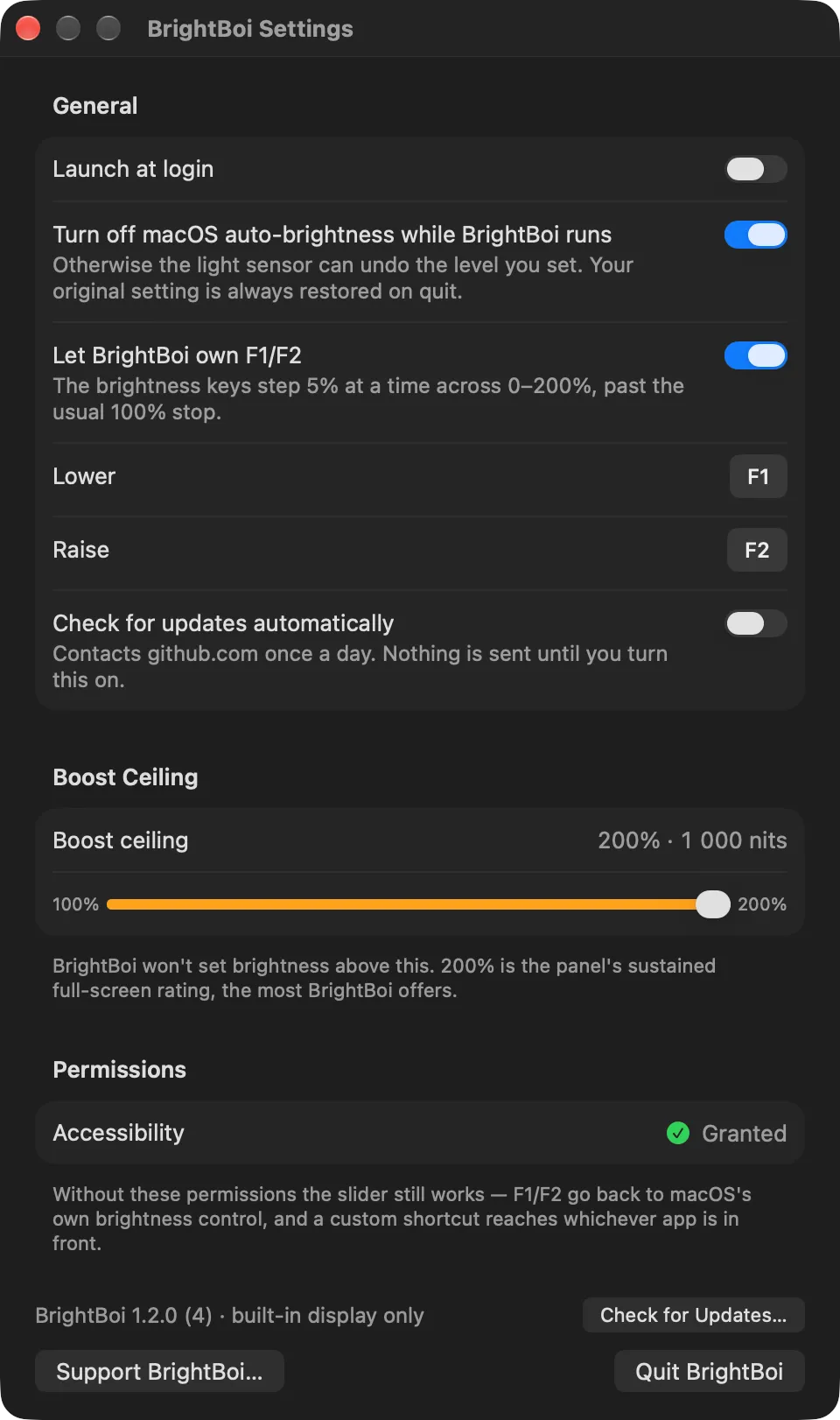
- A ceiling that respects the panel. 200% is the panel’s sustained full-screen rating, never its 1600-nit peak, which would overheat and throttle. The ceiling can be lowered in Settings.
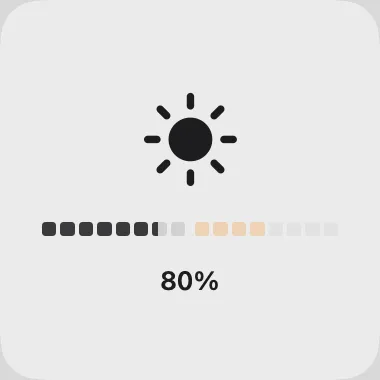
- Brightness keys. F1 and F2 step 5% at a time across the whole range with an on-screen meter, or can be remapped to any shortcut with a modifier.
- Advisories. The popover explains when Boost is paused or blocked, when Low Power Mode is on, when passing 170% on battery, or when the Mac gets hot while boosted.
- Built-in display only. External monitors are never touched; Macs without an XDR display stop at 100%.
Privacy
BrightBoi has no analytics, telemetry or accounts. It makes no network requests unless you check for updates, or opt into a daily check against GitHub Releases. Preferences stay on the Mac.
Limitations
Releases are signed but not notarized, so the first launch needs a one-time approval in System Settings. While boosted, HDR video and photos lose their brightest highlights. The 0–100% range and the auto-brightness switch rely on private macOS frameworks that a future macOS release could change. The README lists every known limitation, the install steps and how to build from source.